History - go back in time...
New Feature
There's nothing more annoying than going ten steps ahead and then you realise you preferred what you done previously!
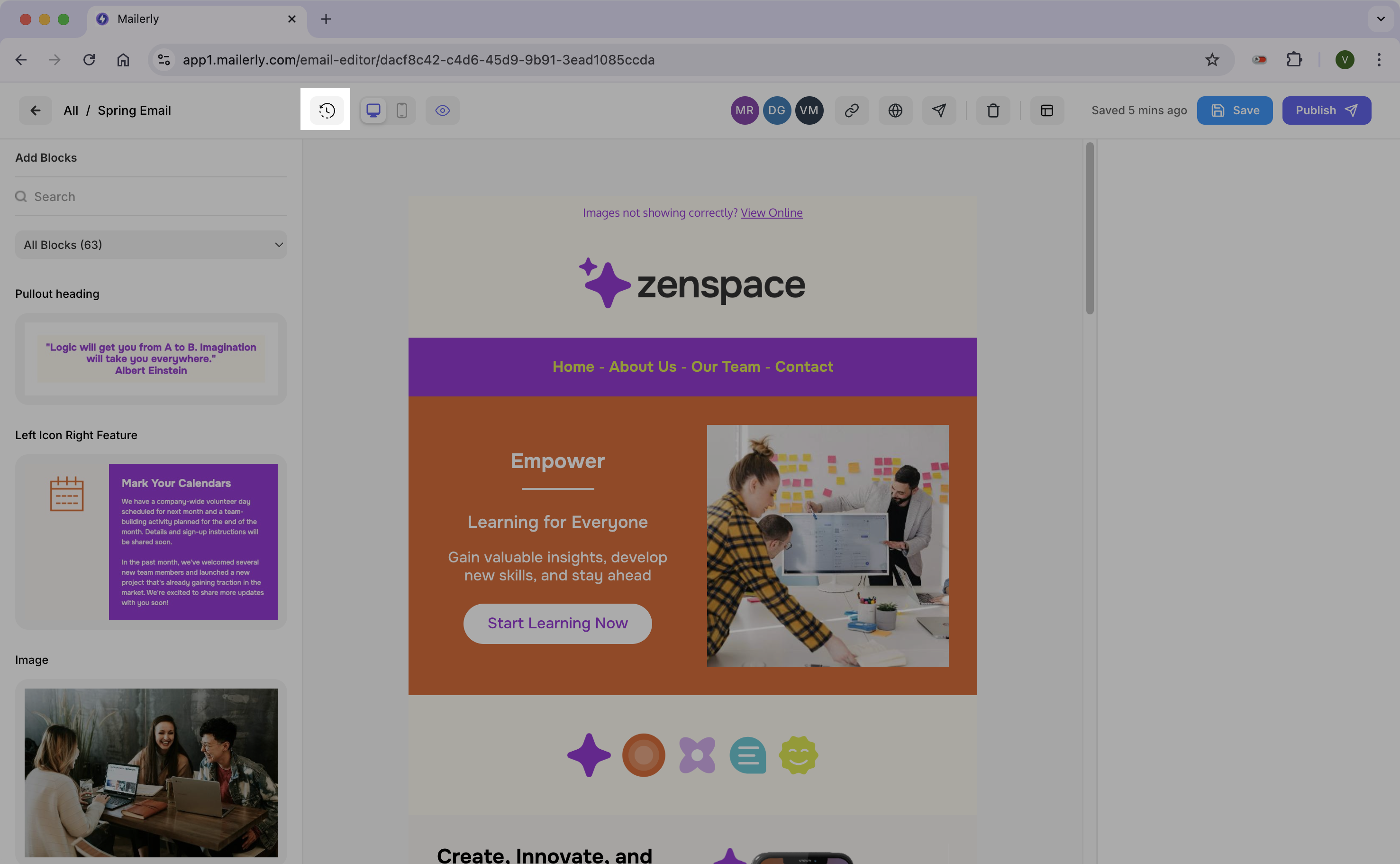
We now have a "history" feature which keeps a list of previous steps you made changes to in your design. Click the icon in the editor and you'll be taken to your history screen.
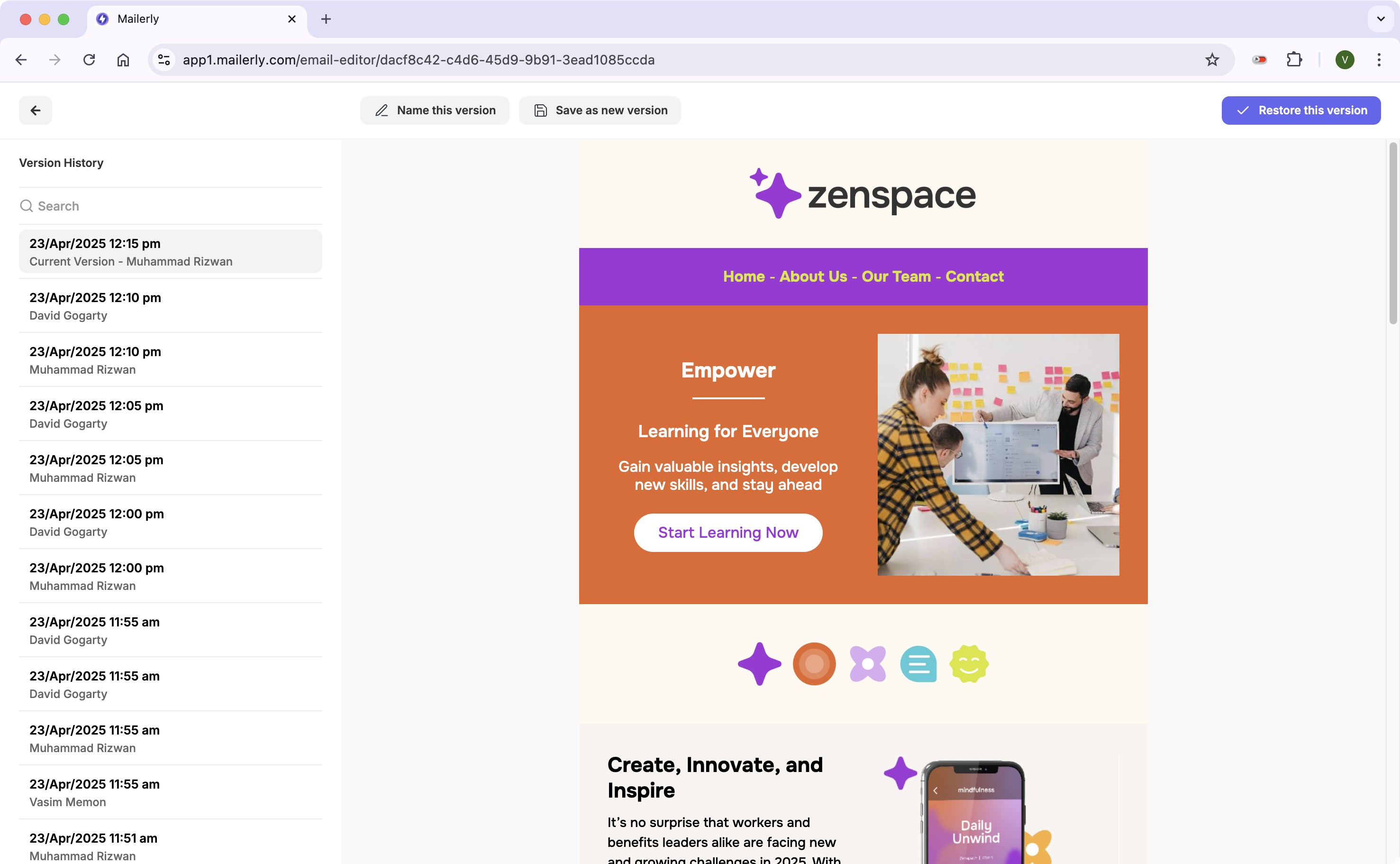
In this screen you can do 3 things
- Revert back to previous version by selecting the version from the left panel and then clicking "Restore this version" on the top right
- Rename versions so it's easy to remember in case you want to go back later
- Create a new email from a previous version. This way the design you're working on stays intact and you can work on the restored version independently