Synced and Saved Blocks
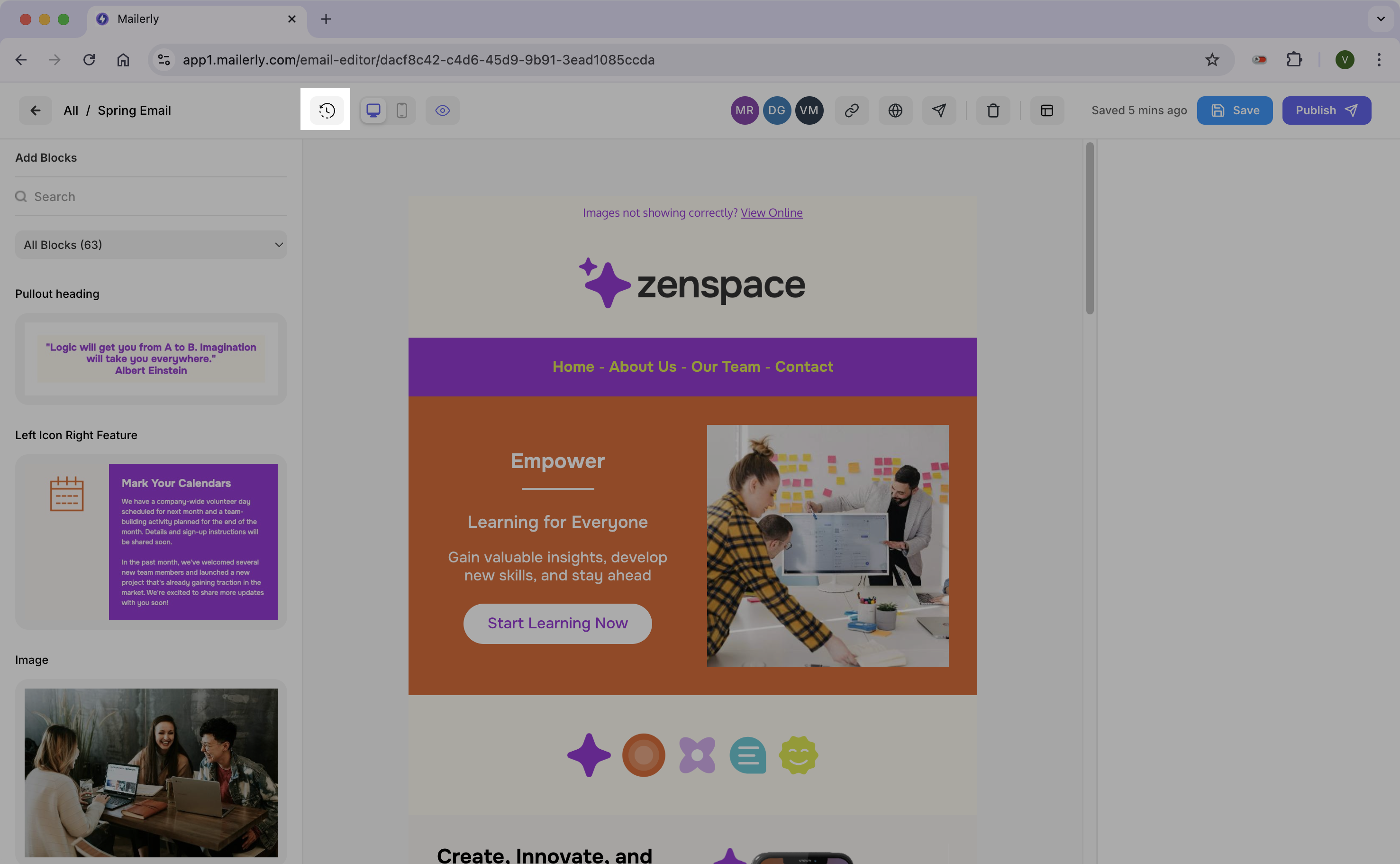
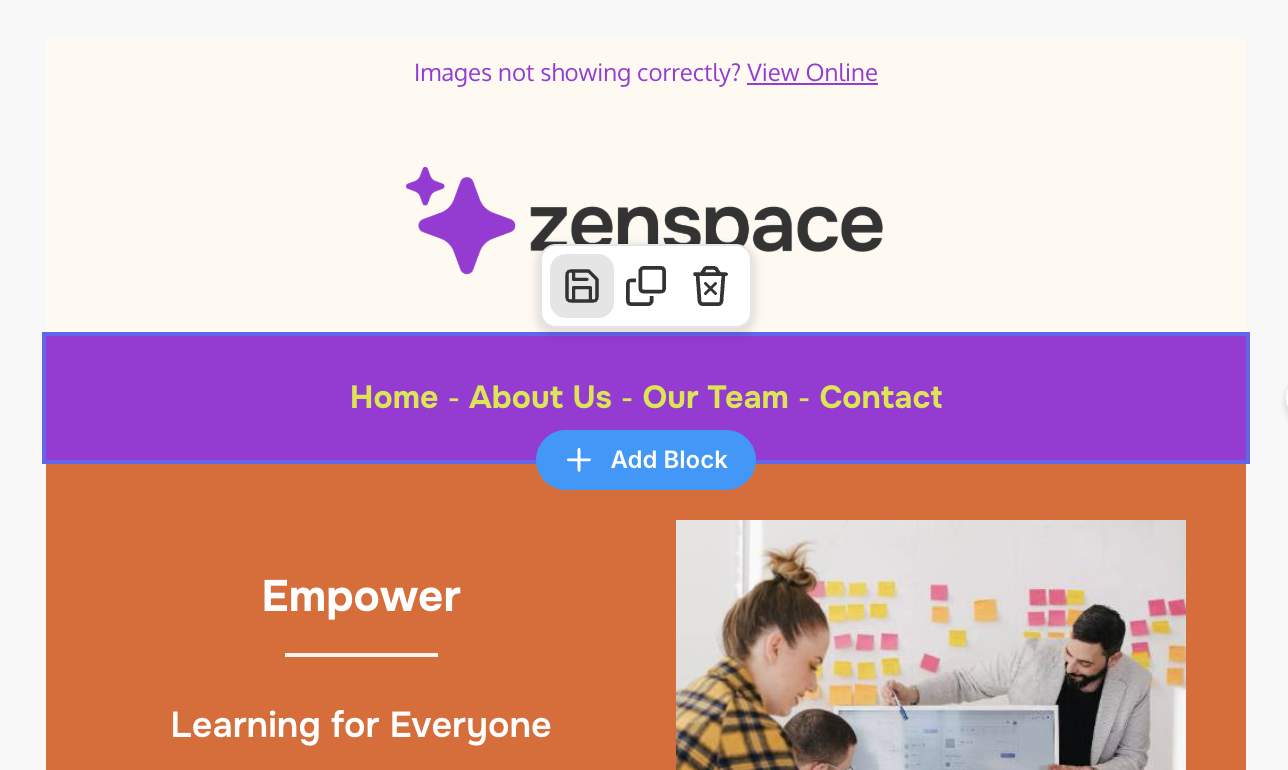
When you hover over a block you'll see the Save icon. This allows you to "save" the block to reuse later.
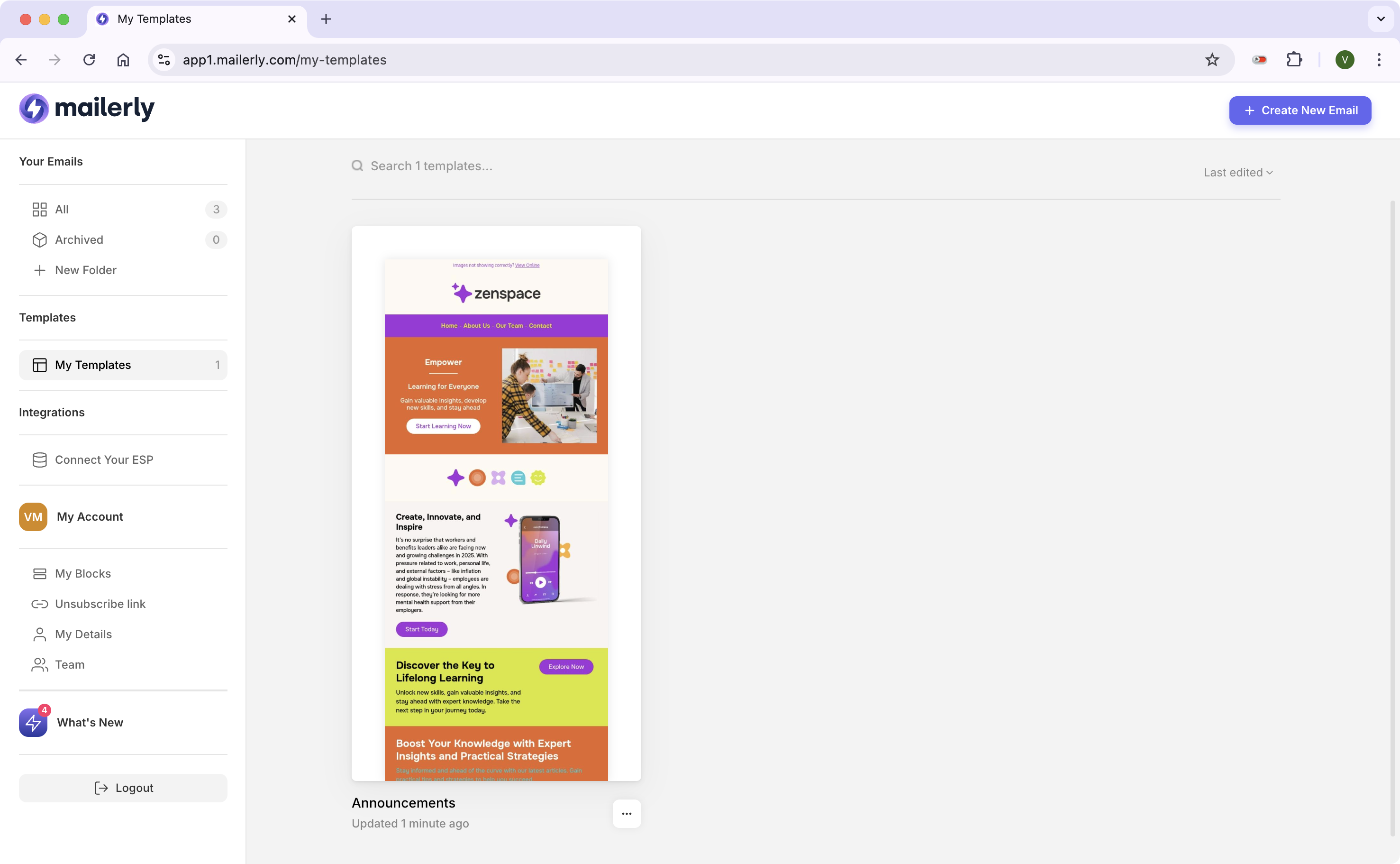
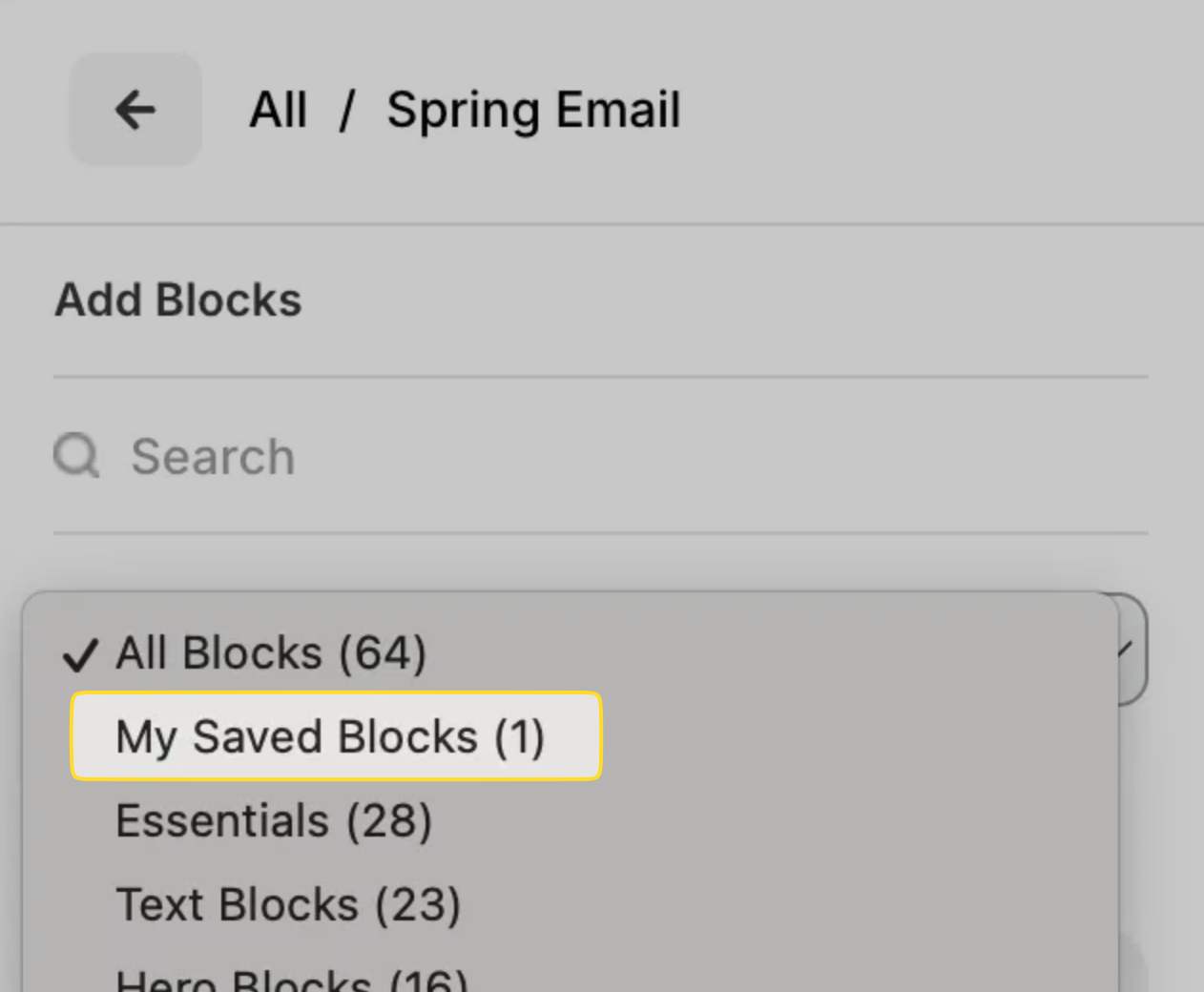
Saved blocks appear here on your left toolbar.
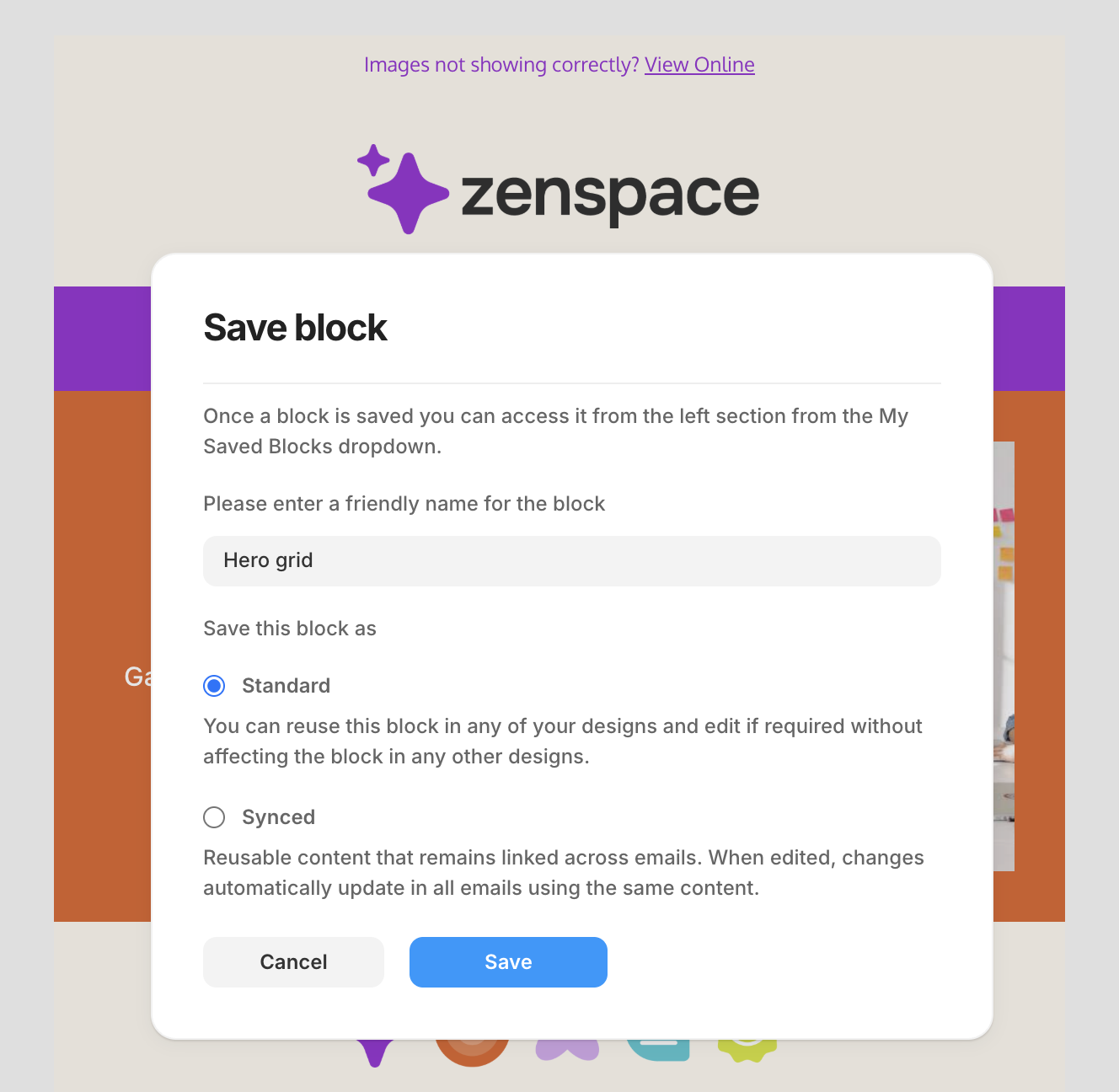
When you save a block now you're presented with a new modal and options to save your block as "Standard" or "Synced"
Let me explain what the difference is:
Standard
These blocks can be dragged back into the editor, updated and re-used time and time again. Any changes you make to that block do not update or change the saved block or impact any other newsletter.
Synced
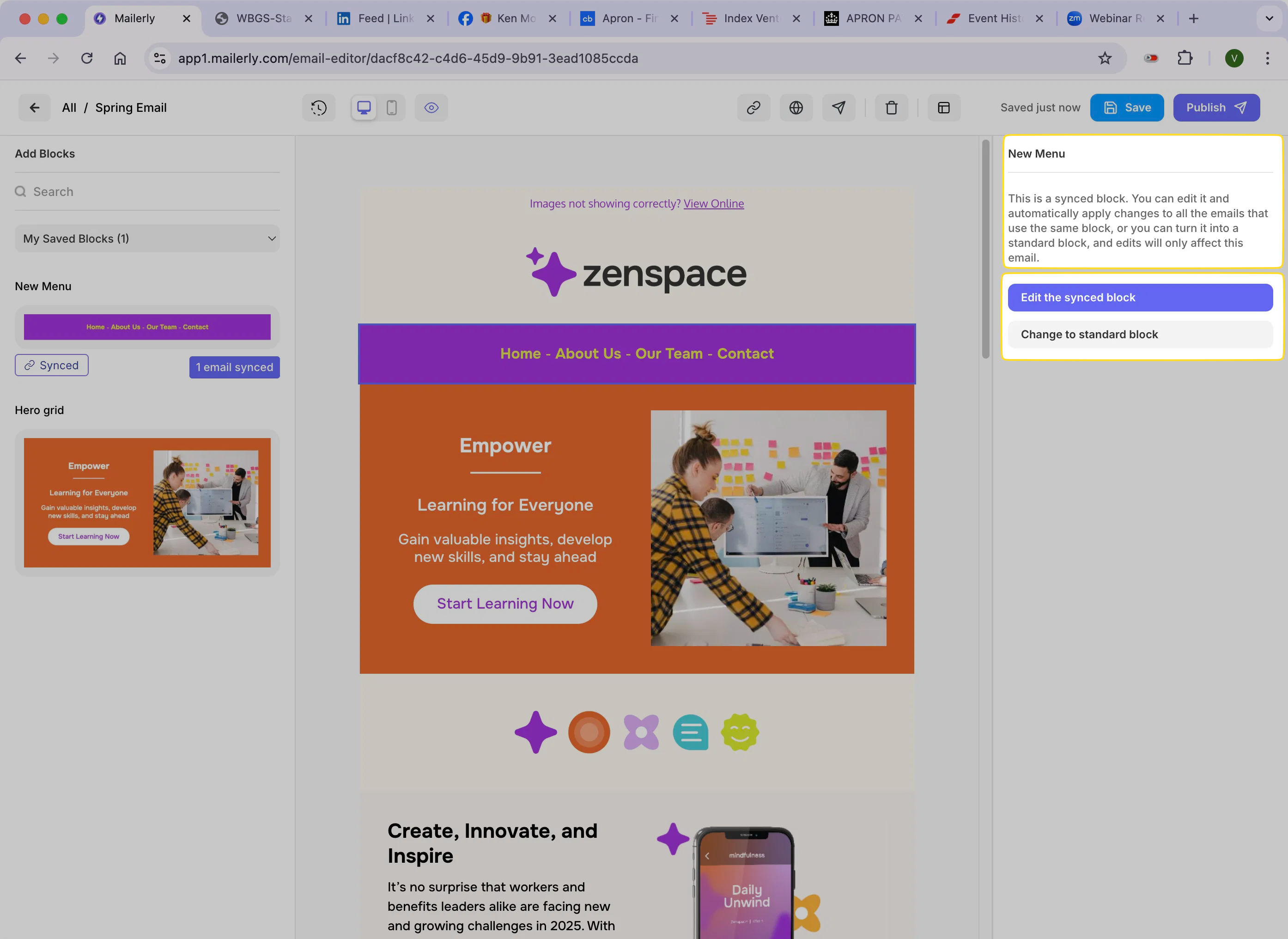
If you save a synced block, you have the ability to make changes to that block and it will update in every email you've used this block. For example if you've used the "Menu" block and added your menu links in. If you decide you want to change the Menu links, instead of updating each email, you can just changed that one synced block and it will update everywhere.
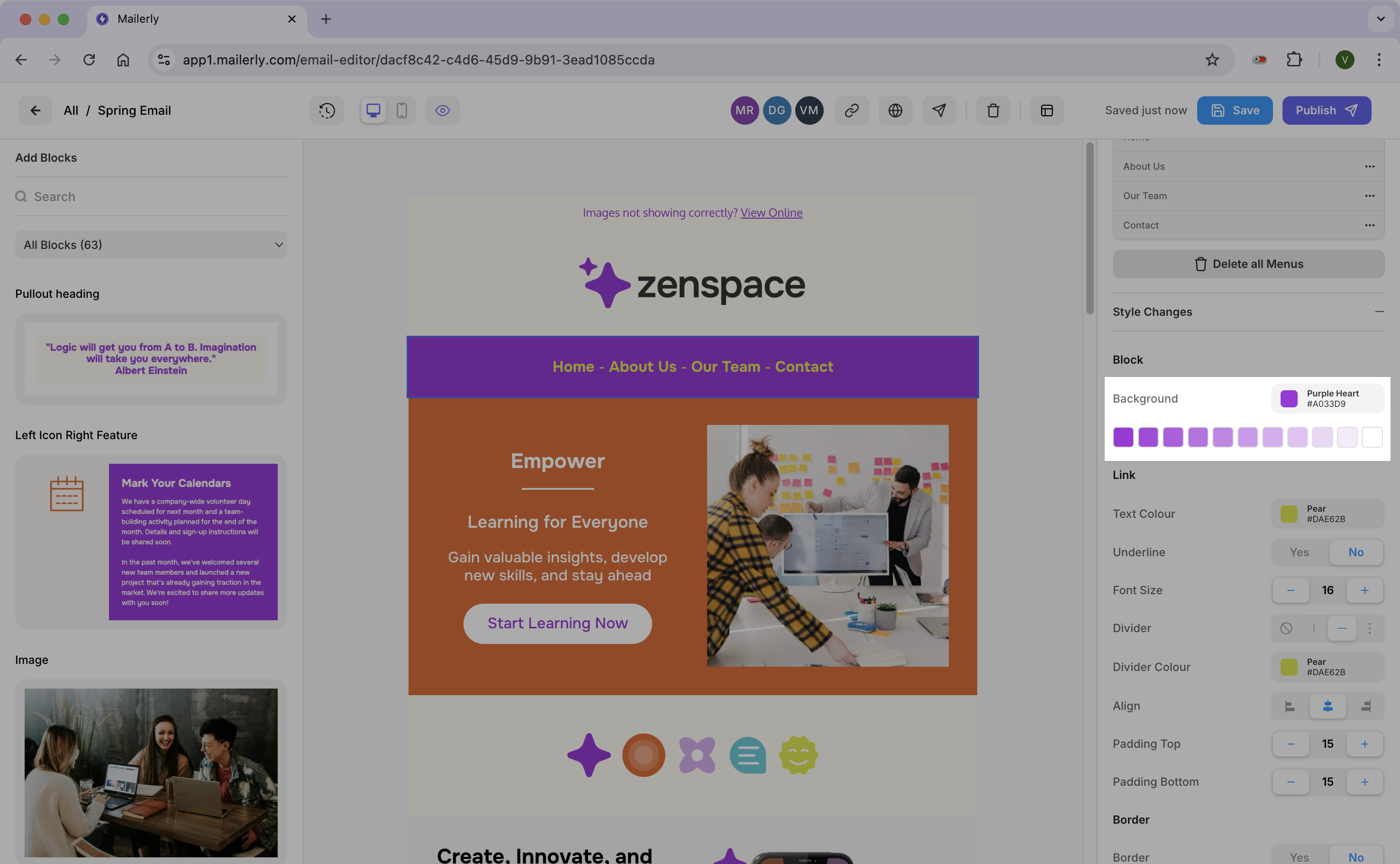
If you want to edit a synced block, drag it into the editor, click on it and you'll see the options on the right hand side. You can edit the synced block which is the "master version" or you can change it back to a standard block which means you can edit it without impacting any other block on email.