Templates
We've made a few changes on the templates section.
Templates are designs you've created that you save and can re-use for new emails. They're simply a quick starting point. When you create a new email from a template, the template stays intact. You're simply making a copy of a pre-built layout and editing it.
Previously there was a lot of confusion whether you were editing the template or editing the actual newsletter you want to send out.
We've made it simple now.
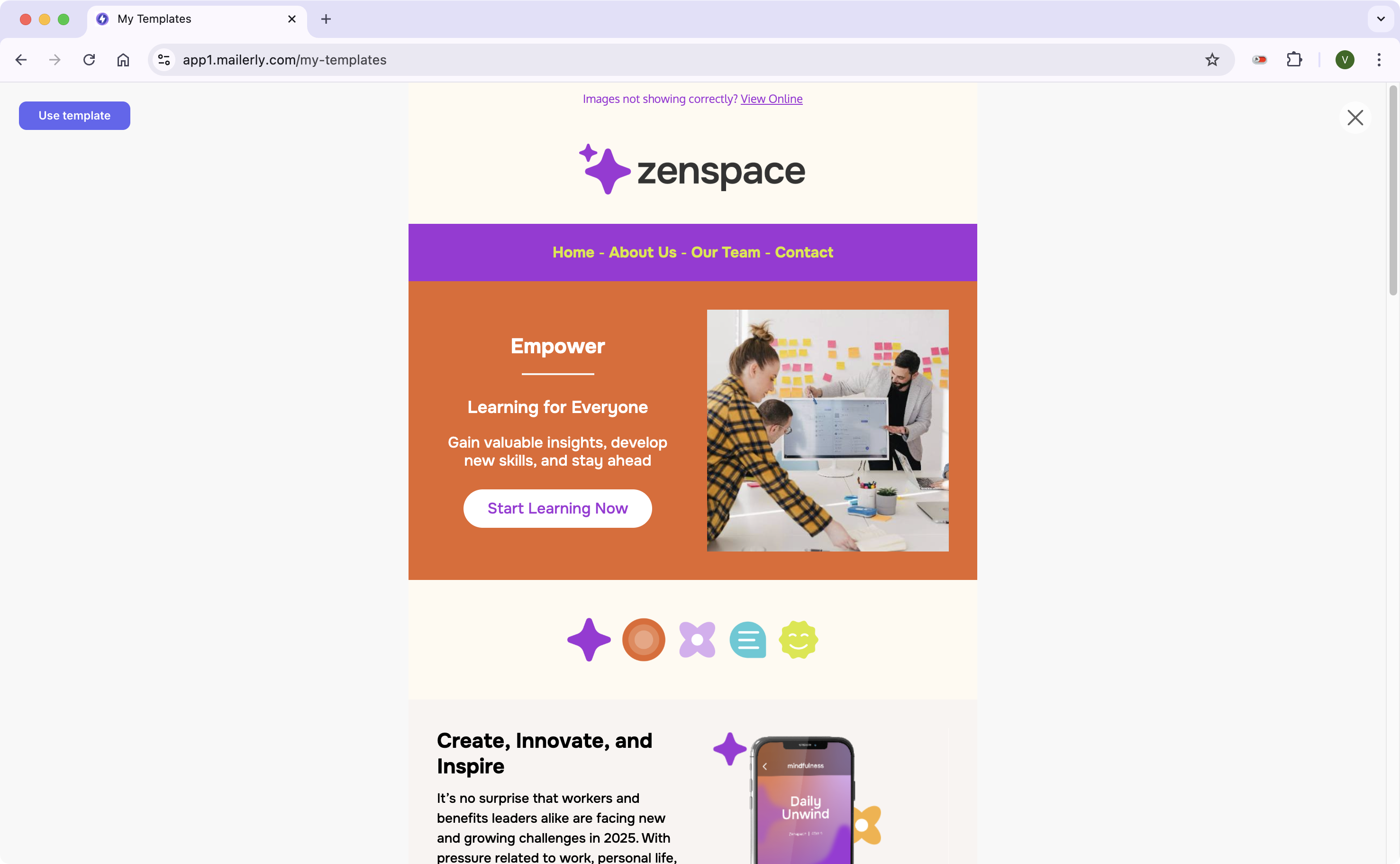
What you'll see when you click "My Templates" on the left side as a grid of all your templates. In the below example there's only one.
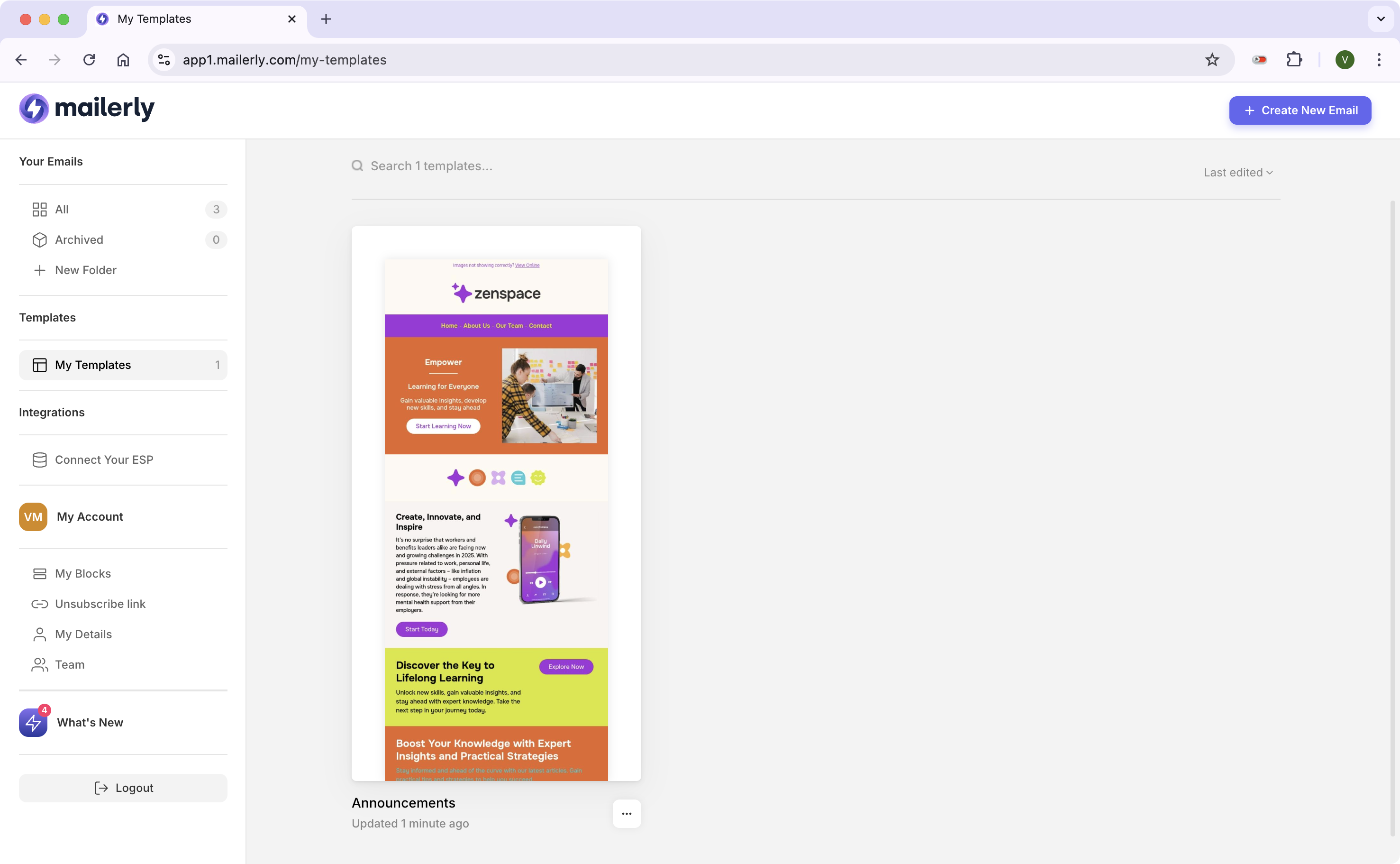
When you hover over a template you can either preview it or "use it". When you click "use it" you're creating a copy which will appear in "your emails" section.
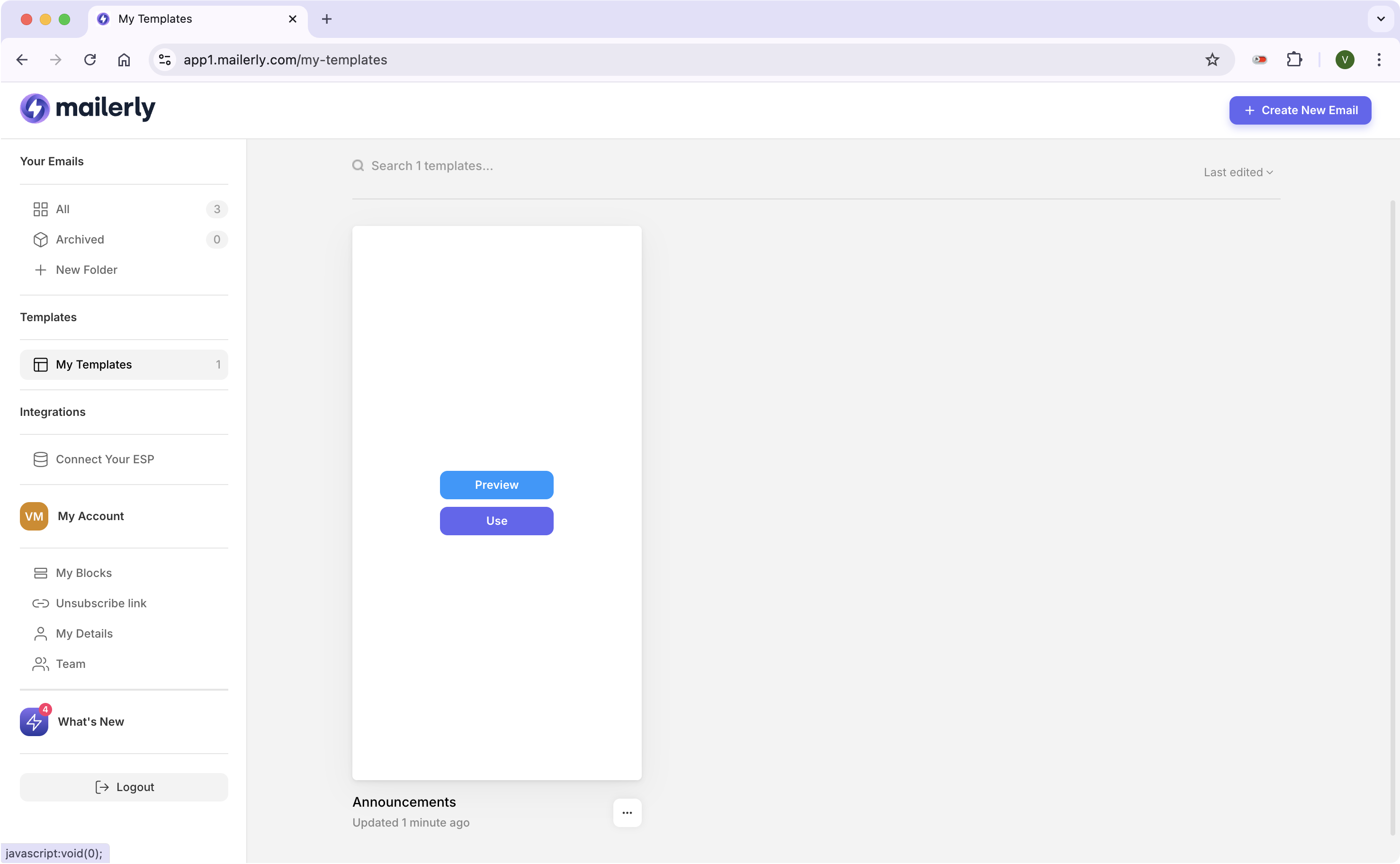
If you click Preview, you'll see this layout. If you want to use the template as your email design, click "use template"
Preview Screen